


1.Keyword Search
Keyword search is the most common and direct method. By entering relevant product names, URLs, keywords, or other information, the Hubbuyer platform will display a list of products related to those keywords.
Steps:
1. Open the Hubbuyer homepage https://b2b.hubbuyer.com/ .
2. In the search box at the top of the page, enter the product name or relevant keywords you wish to search for. For example, "phone case," "LED bulb," "sneakers," etc.
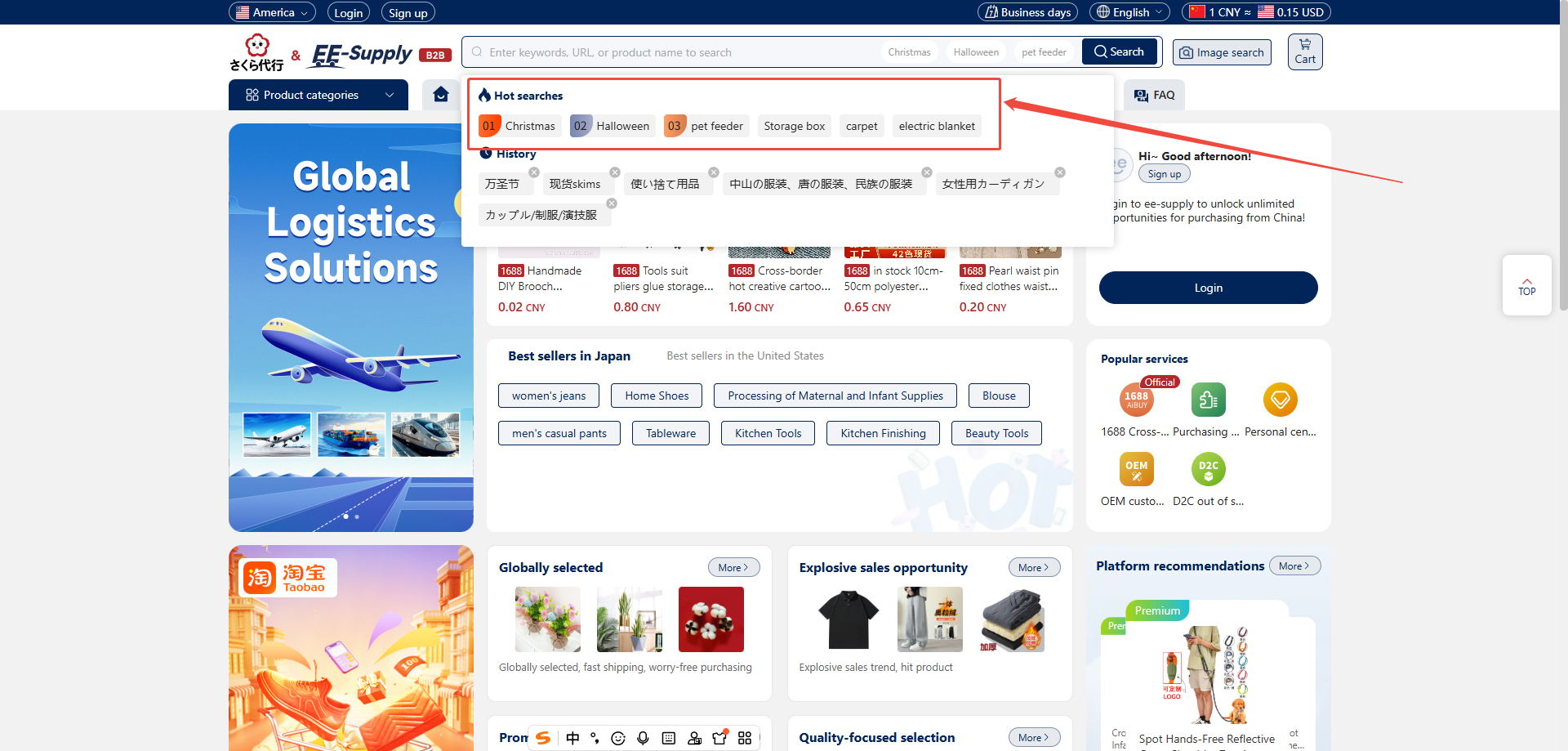
3. Click the magnifying glass search button to the right of the search box or press the Enter key.
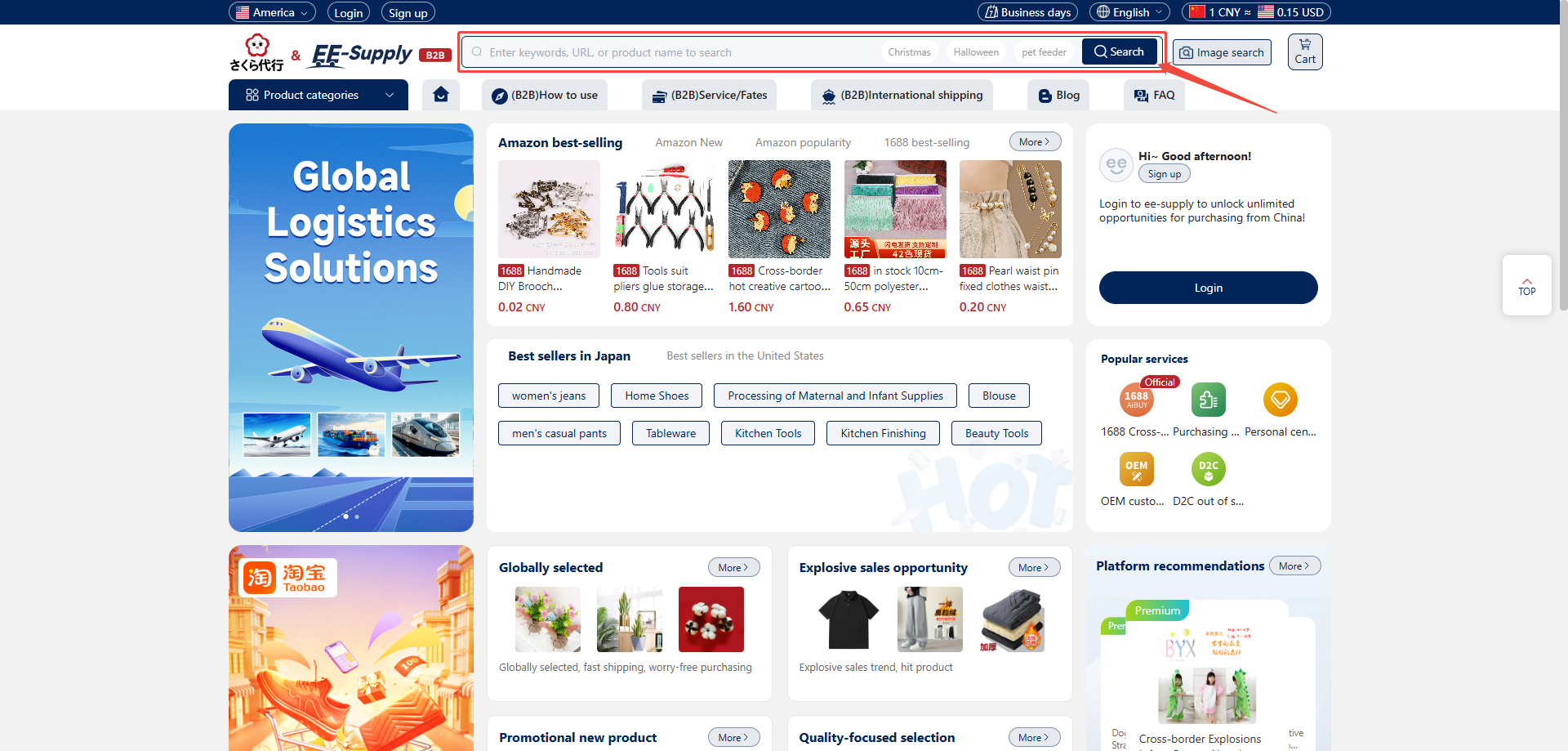
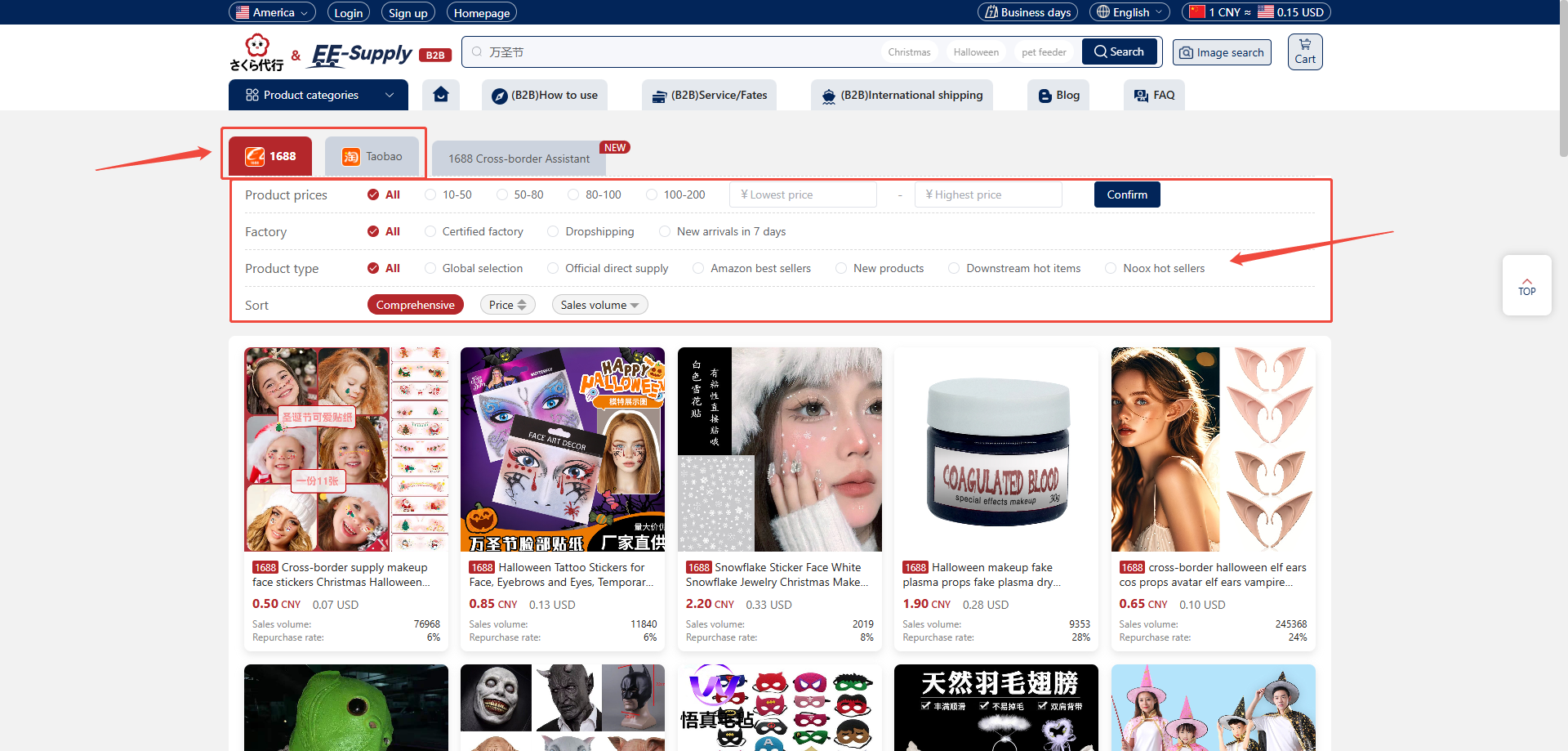
4. The system will then display a list of products matching the keywords.
5. Within the product list, you can switch between viewing the same product on either the 1688 or Taobao platform.
6.You can also apply further filters based on the platform's criteria, such as price range, sales volume, factory, or pallet type.
2: Image Search
Image Search is an intelligent image recognition feature provided by the Hubbuyer platform. You can upload an image to find similar products. This feature is particularly useful when you've seen a physical item but don't know its name or find it difficult to search accurately using keywords.
Steps:
1. Open the Hubbuyer platform homepage.
2. Locate the Image Search button with the camera icon to the right of the search bar.
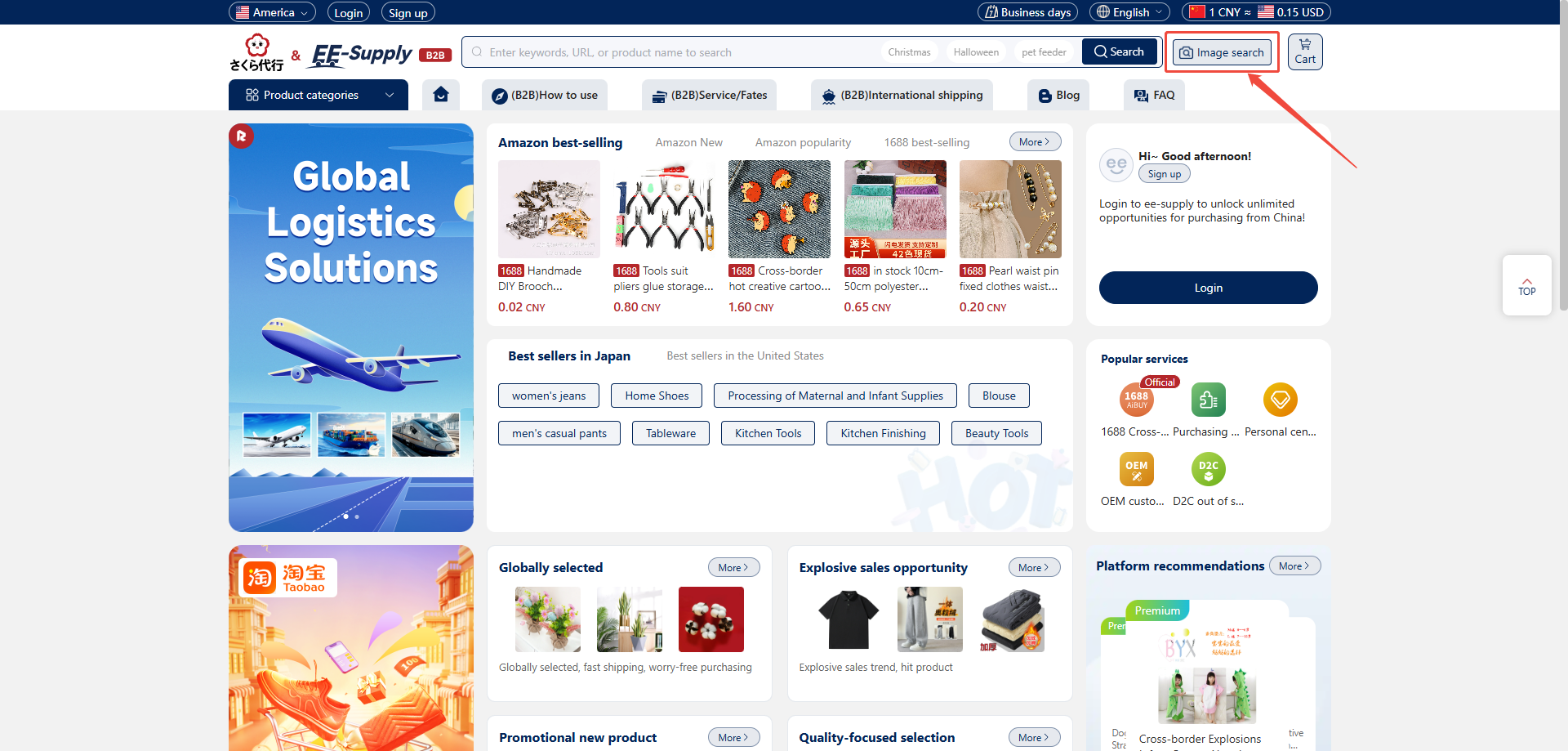
3. Click the icon to open the image search pop-up window.
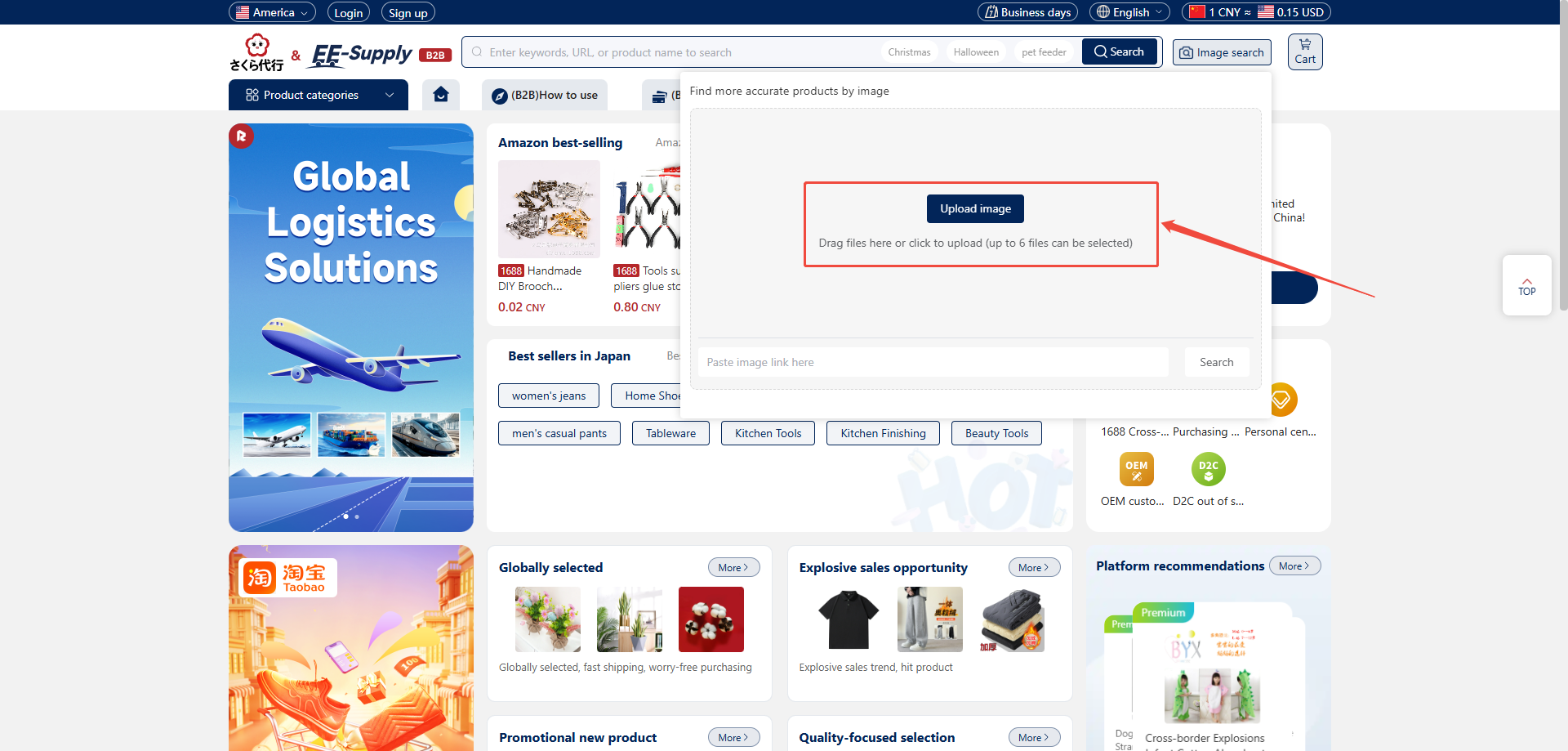
4. In the pop-up window, choose to upload images or drag and drop images (multiple selections allowed, up to 6 images).
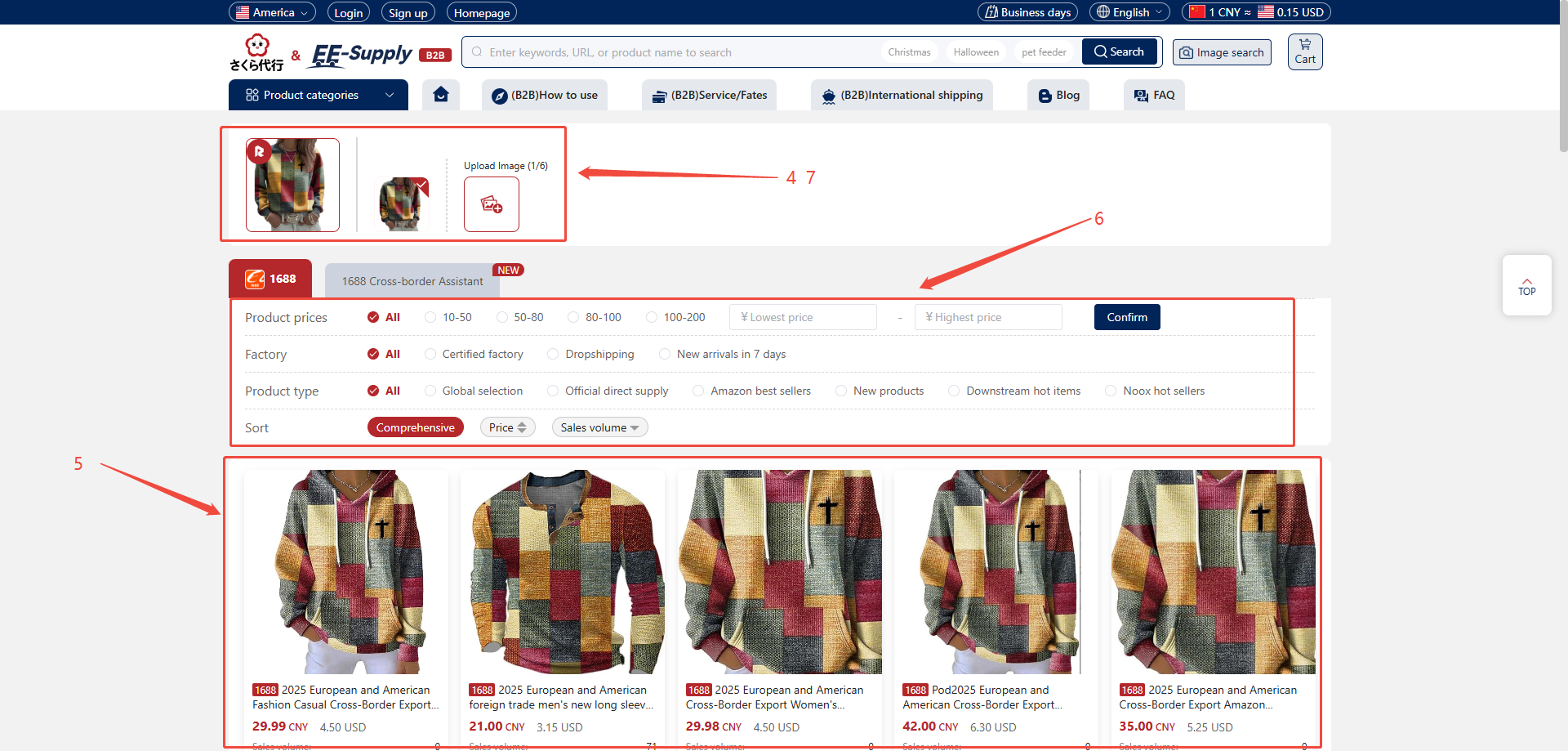
5. After uploading, the system will generate a list of similar products using image recognition technology.
6. You can view product details related to the image and filter/select items as needed.
7. You can also switch between uploaded images within the product list to refine your search, or re-upload/delete images.
3: Image Link Search
Sometimes you may have found an image link online and want to identify the corresponding product. Hubbuyer also supports searching via image links.
Steps:
1. Open the Hubbuyer platform homepage.
2. On the right side of the search bar, locate the image search button with the camera icon.
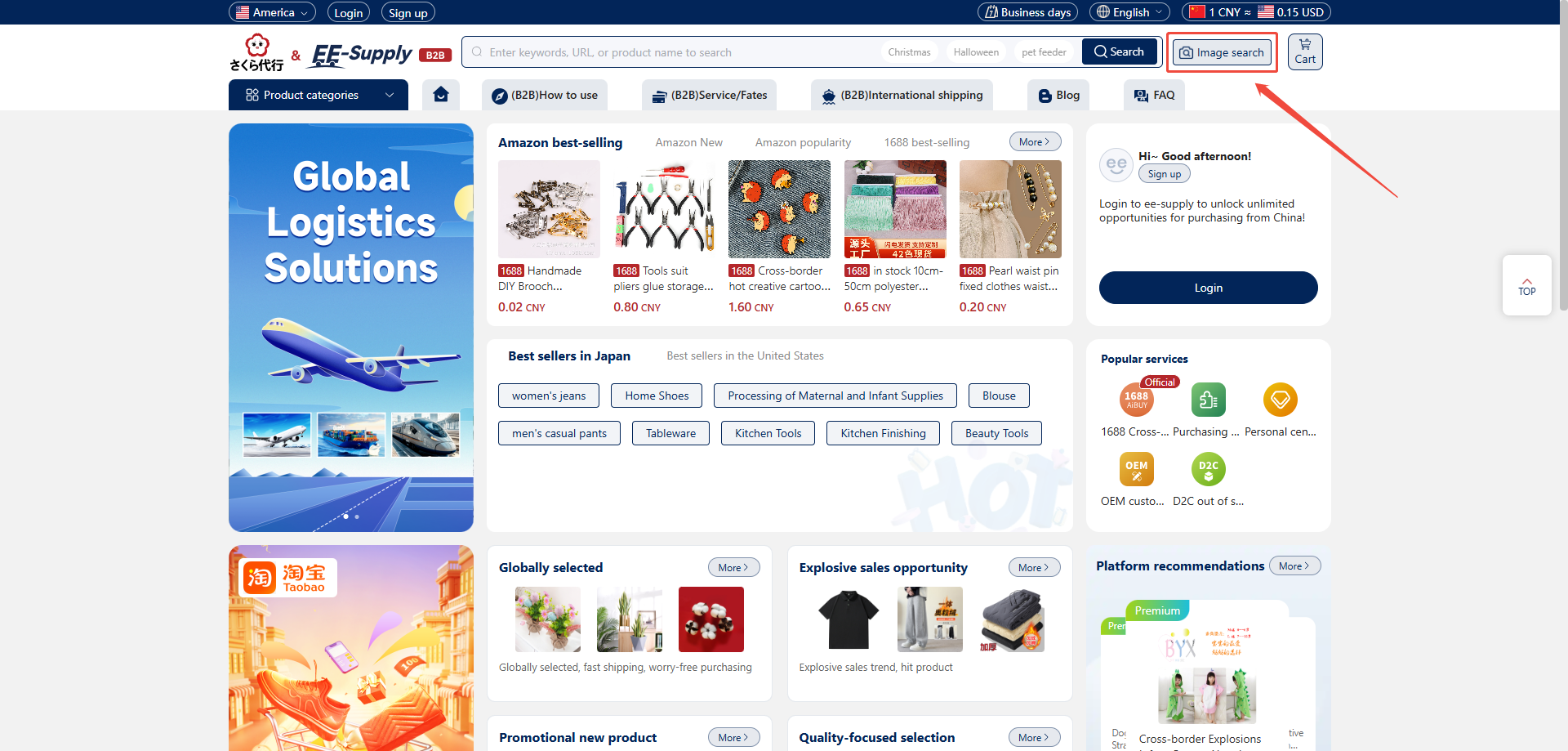
3. Click the icon to open the image search pop-up window.
4.Below the pop-up window, you'll see an input field labeled "Paste image link here."
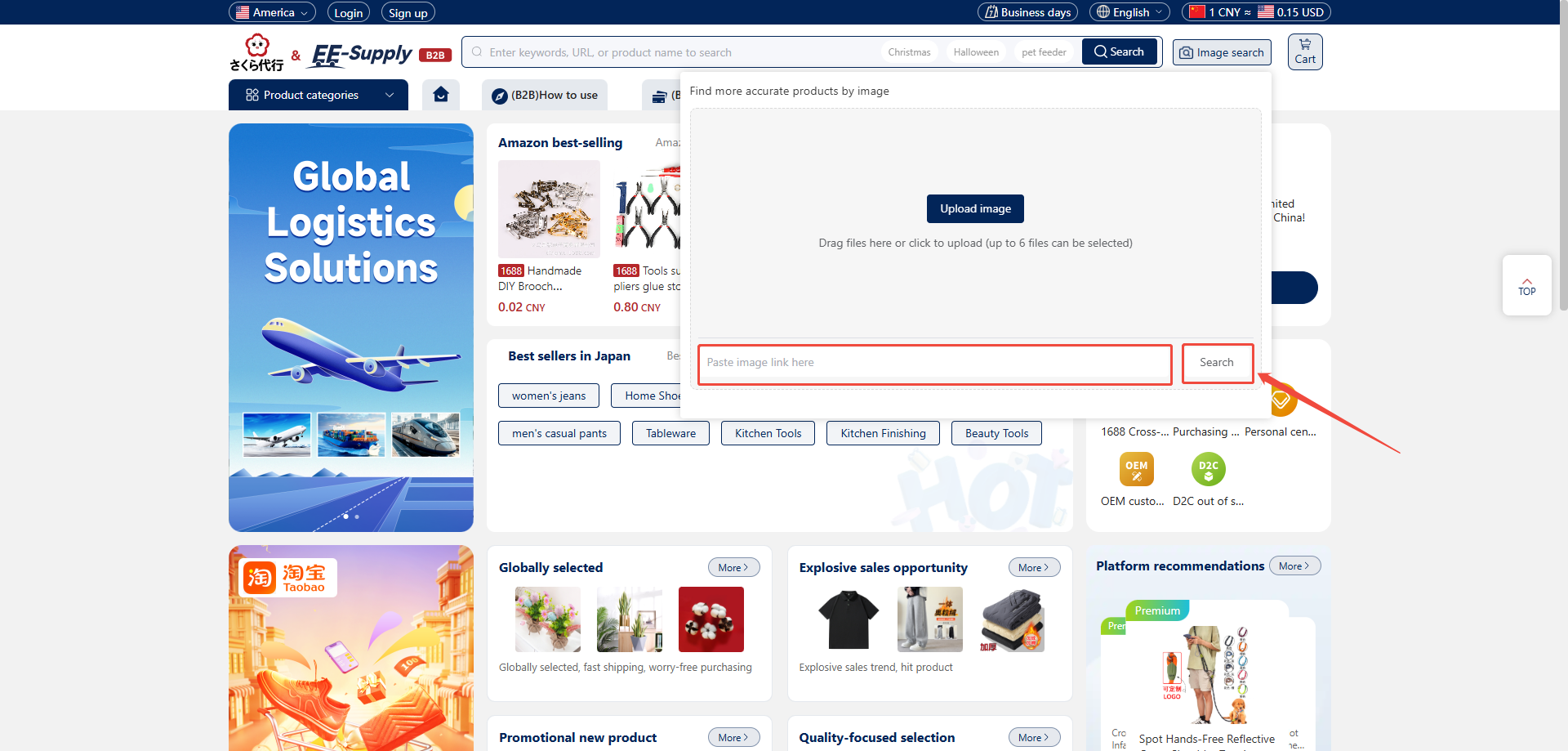
5. Paste the copied image URL into the input field, then click Search.
6. The system will display products similar to the image based on the link, allowing you to filter and select as needed.
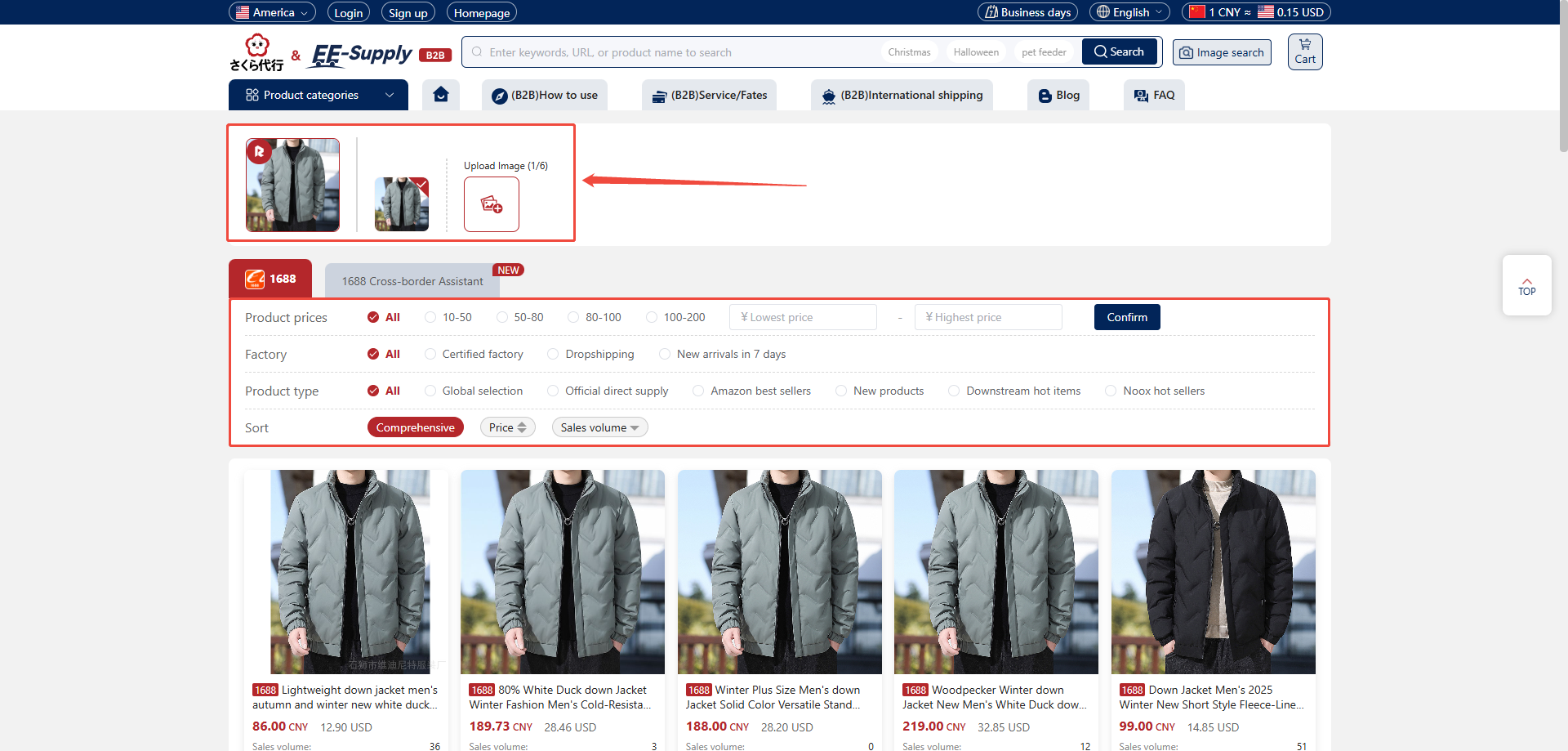
7、 You can also switch between uploaded images in the product list to refine your search, or re-upload/delete images.